Pataa
An address app for India where a short code takes people to your door.
What Pataa is
Pataa is the Hindi word for address, and the app is made for India. You pick the spot at your front door, give it a short code, and share the code with a friend or a delivery person. They type it in and the app takes them to that spot.
The app already existed when our team came in. The company had first given the design to an outside agency, and the result wasn't what they had hoped for, so we were brought in to redo it. The version we started from was plain, with dull colors and standard layouts, and it had no character. We wanted the new one to be fun to use.
Pataa has had about 7.5 million downloads.
Why a map wasn't enough
My hometown has streets like the ones drawn here, and so do other Indian cities. They're narrow and tangled, and the houses are small enough that you often can't see a number on one. Finding a house you haven't been to often means calling someone or asking people on the street.
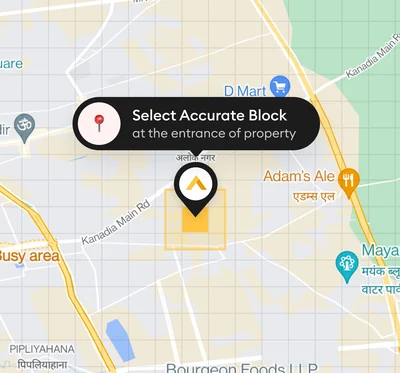
Pataa doesn't use house numbers. It divides the whole map into blocks, each three meters by three meters. You choose the block at your doorstep and give it a code of your own, like POOJA555, and that block is yours. It still uses the same maps and GPS, it just takes people to your block instead of somewhere near it.
Who we asked
We looked for people who find their way around every day: delivery agents, people who work in logistics, and people who travel every day. We split them into three kinds of people to design for, and then ran about six interviews with them.
Rajesh is a courier, and he's always short on time.
Anjali is a professional who spends her day in map apps, so she navigates a lot.
Mohan is 65 and has just got his first smartphone.
We also went out to a busy street and watched people find their way. They asked each other things like, someone shared this location with me, how do I get there? Some were on the phone with a person telling them to take a right here and a left there. There are no road signs to go by, and people were managing without any app.
After the interviews my work was brainstorming and coming up with several possible solutions, using exercises like Crazy 8s.
Mohan was the person we kept designing for, someone opening an app like this for the first time. We reused patterns people already know from other apps so it wouldn't feel strange to him.
The first screens
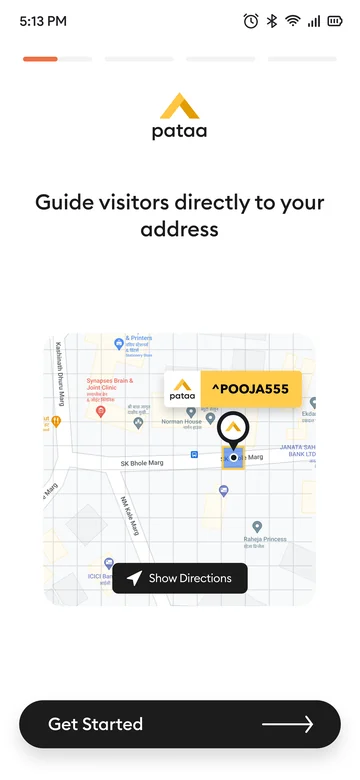
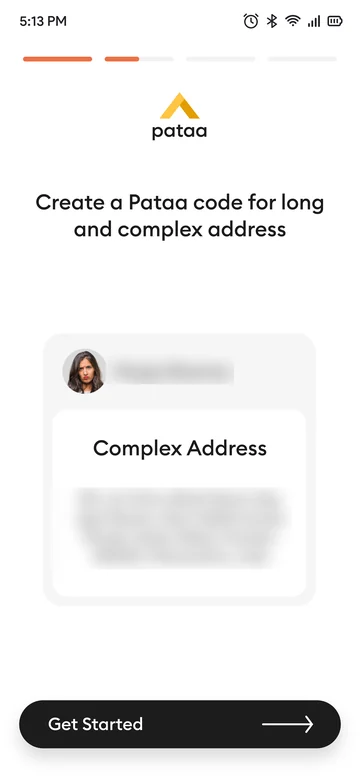
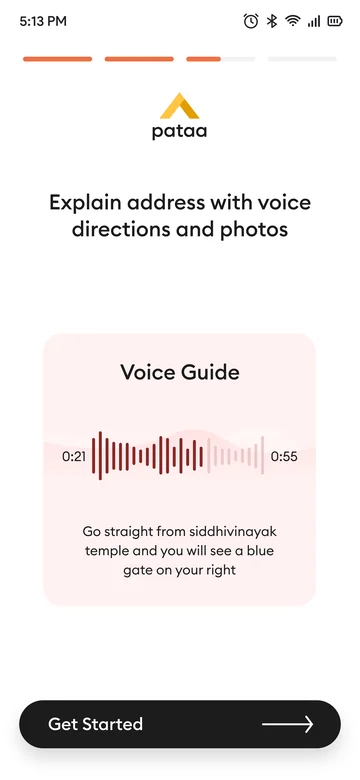
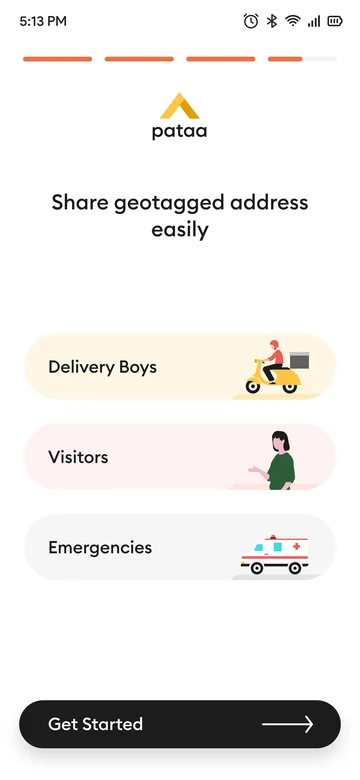
When you open Pataa for the first time, four screens say what it does before they ask you for anything. The first shows someone being guided to your address. The second shows a long, complicated address becoming a short Pataa code. The third shows voice directions and photos. The fourth shows who you could share the address with: delivery people, visitors and emergency services.
The app was new to people, and they didn't know it could do these things for them, so these screens explain it first.
I designed these four screens. The small animations on them were made by a colleague.
Creating a code
Designing this flow was the second part of my job, after the research. Someone who has just installed the app sees an empty home screen with one big button, Create your Pataa, and everything starts from there.
First you allow the app to use your location, or type your address if you'd rather not. Then you place the pin on the block at your entrance. Next you pick your code, seven to eleven letters and numbers, and the app tells you straight away whether it's free. After that comes a short form with the house or building name, the area and a few other details, along with what kind of address it is, like home or office.
Then there's a step for a landmark. We left it out of the first wireframes. After we'd watched people in real streets, though, it was clear how much they rely on landmarks, the way you might tell a friend in a big city that you're near a well-known building. So it went back in.
The last screens are extras, all optional: a note, like a warning about dogs, photos of your entrance, and route videos. You can add them later. Then the app tells you your code is ready.
Place the pin 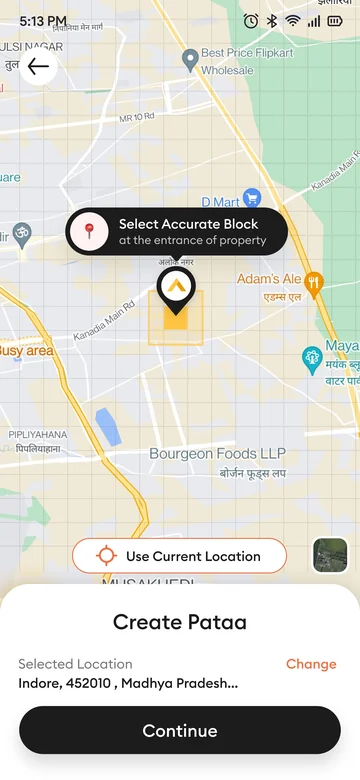
Pick a code 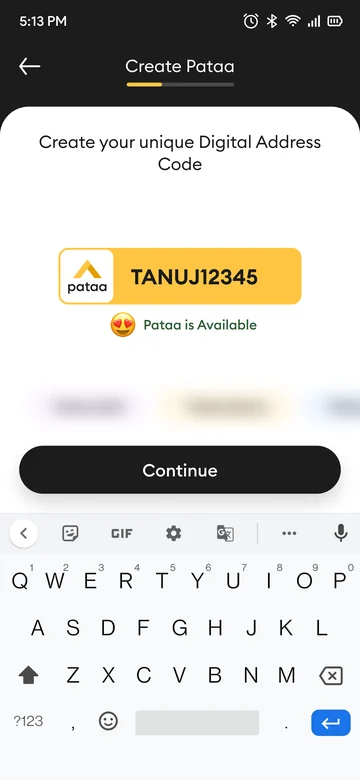
Add the details 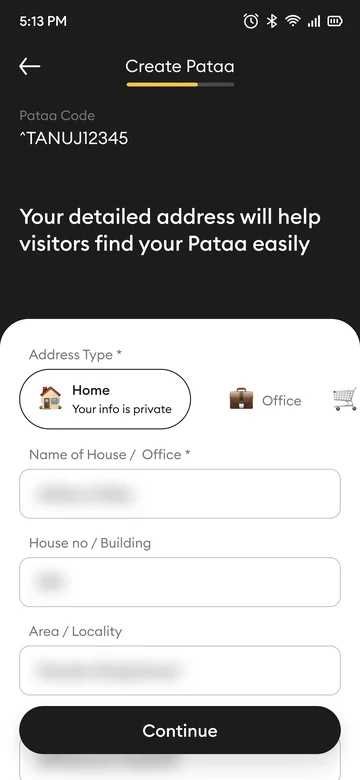
Add a landmark 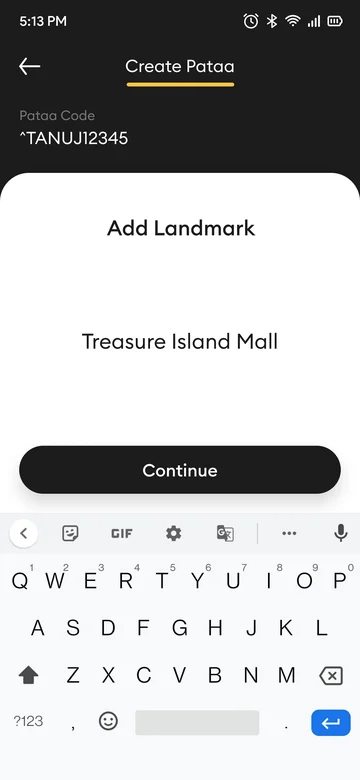
Add the extras 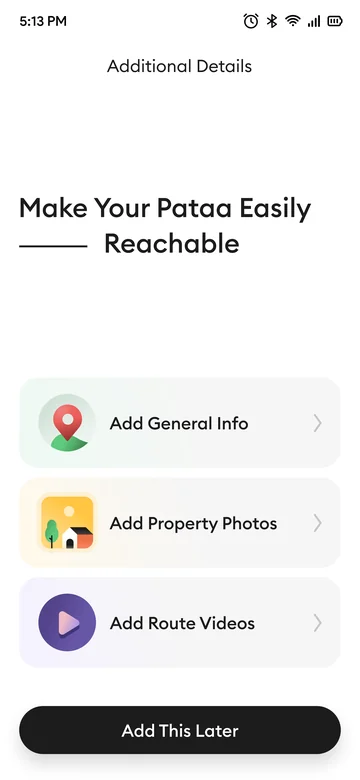
Done 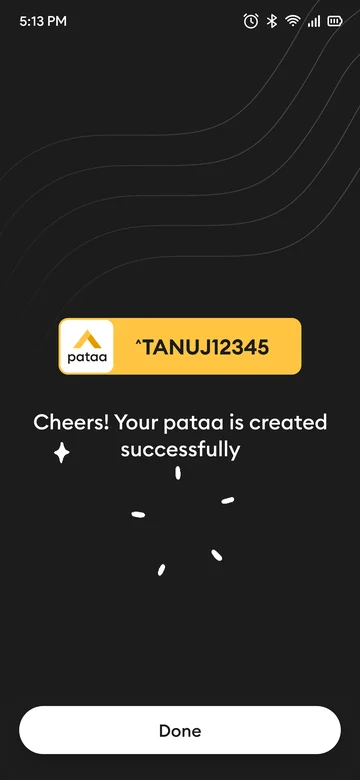
Directions in your own voice
When we watched people on the street, many were already getting directions by voice, with someone on the phone telling them where to turn. So Pataa lets you record your own. Whoever is coming to your place can listen to it, and you can say something like, go straight from the temple and you'll see a blue gate on your right.
If you don't want to record, you can type the directions and the app reads them out. Directions can play in Hindi or English, whichever people are comfortable with.
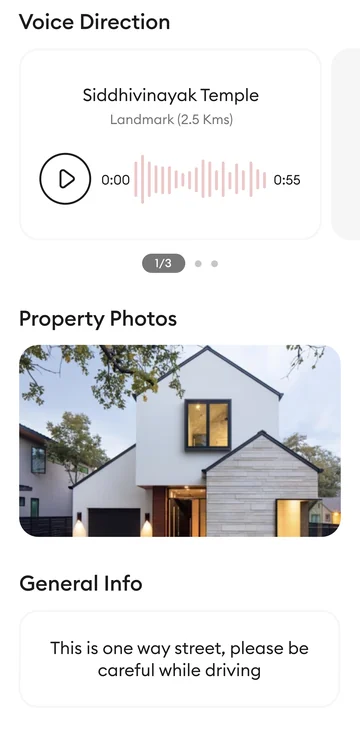
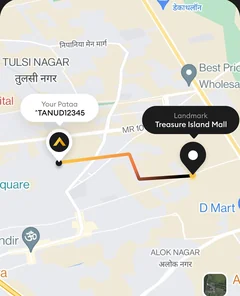
You can also add a few photos of your entrance and a short note, and pin your landmark so the app can suggest a route from it. Visitors see all of it on your Pataa's page.
Sharing your location, and what testing changed
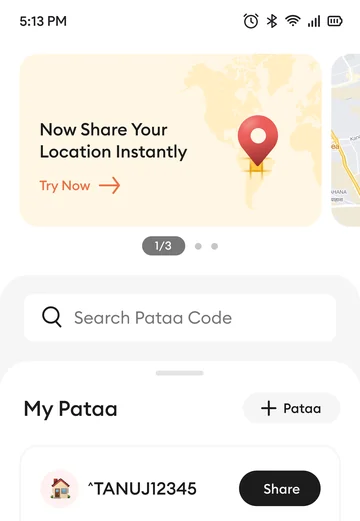
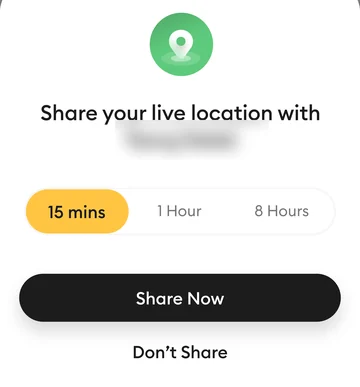
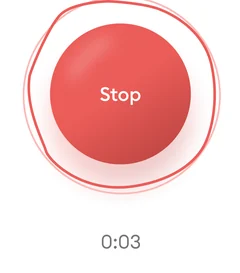
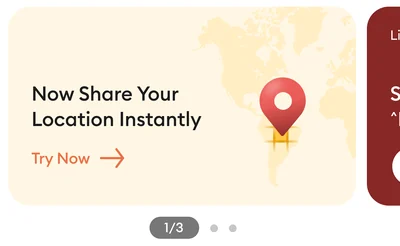
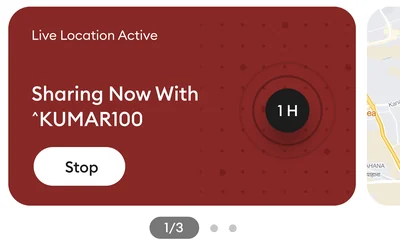
Pataa can also share your live location with someone for a set time, fifteen minutes, an hour or eight hours. While you're sharing, a red card on your home screen says who you're sharing with and has a Stop button.
In the first version we tested, that card sat second or third in a carousel at the top of the screen that scrolled by itself. In testing we saw that it matters a lot to see that you're sharing and to be able to stop whenever you want, especially because you might be sharing with a delivery person you don't know. So we moved the card to the first position, where it stays visible.
I ran the usability tests, sitting with people while they tried the app on a phone.
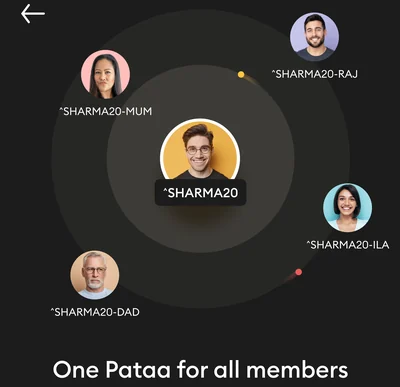
We also made a family feature. Each person in a household gets their own code, and all of them hang off one base code for the home.
After it came out, and the rest
After it came out, we talked to people who were using it, older people who aren't used to technical apps and people who deliver things from one place to another. The feedback was positive, and the app seemed to solve a lot of their navigation problems.
That's the part of Pataa I worked on, along with a few smaller pieces. The team worked on more than I've shown here.